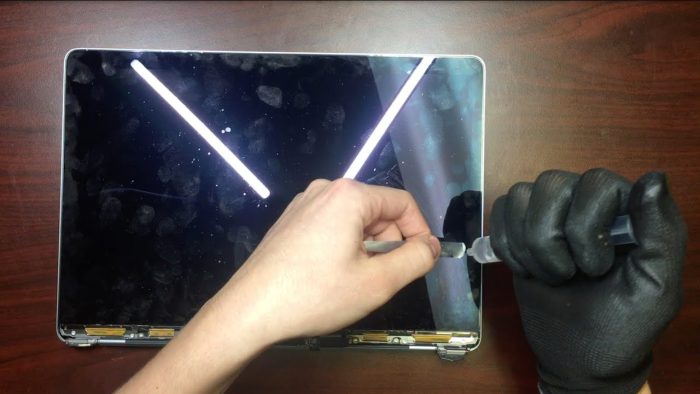
How to fix hardware problems on your MacBook
MacBook computers are known for their reliability and performance, but like any electronic device, they can experience hardware problems at some point in t…


Screen problems
One of the most common hardware problems on MacBooks is the screen. If you experience problems such as a black screen, vertical or horizontal lines, or even distorted colors, there are some solutions you can try before seeking professional help.
Restart your MacBook
In many cases, a restart can solve minor software problems that are causing screen issues. Press and hold the power button until your MacBook turns off, then turn it back on and check whether the problem persists.
Check the cables
Make sure all the cables are connected correctly. If you are using an external monitor, disconnect it and reconnect it. Sometimes, a loose cable can cause screen problems.
Try Safe Mode
Boot your MacBook in Safe Mode by holding down the Shift key during startup. This will temporarily disable any third-party software that may be causing conflicts with the screen.
If none of these steps resolve the problem, you may need to consult a technician specialized in MacBook repair.
Connectivity problems
Connectivity problems, such as the inability to connect to Wi-Fi or Bluetooth, can be frustrating but generally have simple solutions.
Restart the router
If you have problems connecting to Wi-Fi, try restarting your router. Sometimes, a quick restart can solve connection problems.
Forget and reconnect
In your MacBook's Wi-Fi or Bluetooth settings, forget the network you are trying to connect to and reconnect. This can help reset the connection and solve connectivity problems.
Update the drivers
Make sure the Wi-Fi and Bluetooth drivers on your MacBook are up to date. You can do this by going to System Preferences > Software Update.
If connectivity problems persist, there may be a deeper problem with your MacBook's hardware, and it may be necessary to seek technical assistance.
Other hardware problems
In addition to screen and connectivity problems, other hardware problems can arise on your MacBook, such as battery problems, performance problems or audio problems.
Check the battery status
Use the “Activity Monitor” application to check the battery status of your MacBook. If it shows a warning message, such as “Replace Soon”, you may need to replace the battery.
Optimize performance
If your MacBook is becoming slow, close the applications you are not using and free up space on the hard drive. You can also try restarting your MacBook to clear the cache and improve performance.
Audio problems
If you experience audio problems, such as distorted sound or lack of audio, make sure the speakers are not obstructed and that the volume is correctly adjusted. You can also try restarting your MacBook and checking the audio settings in System Preferences.
In case of persistent problems with your MacBook hardware, we recommend that you consult a trusted repair professional for specialized assistance.