
How to keep your MacBook clean without dying in the attempt
Fingerprints, dust and dirt, the main causes that make it difficult to keep your MacBook clean and spotless.

Anyone who owns a MacBook has had to deal with fingerprints and dust marks on the body of the device. Keeping your device clean is never easy and we always end up throwing in the towel so as not to end up throwing the device on the floor.
MacBooks are made of glass or aluminium materials that make them very susceptible to fingerprint marks. Fortunately, they are easy to clean and have few moving parts, something that makes cleaning easier. However, the difficulty begins when dirt builds up inside, causing overheating and subsequently internal breakdowns.
The environment: the main cause.
It has always been said that keeping your workspace clean helps concentration, but it not only helps with that, it also helps keep your MacBook clean. By having an environment free of dust and dirt, your MacBook is less exposed to the infiltration of these particles, avoiding problems with the hardware.
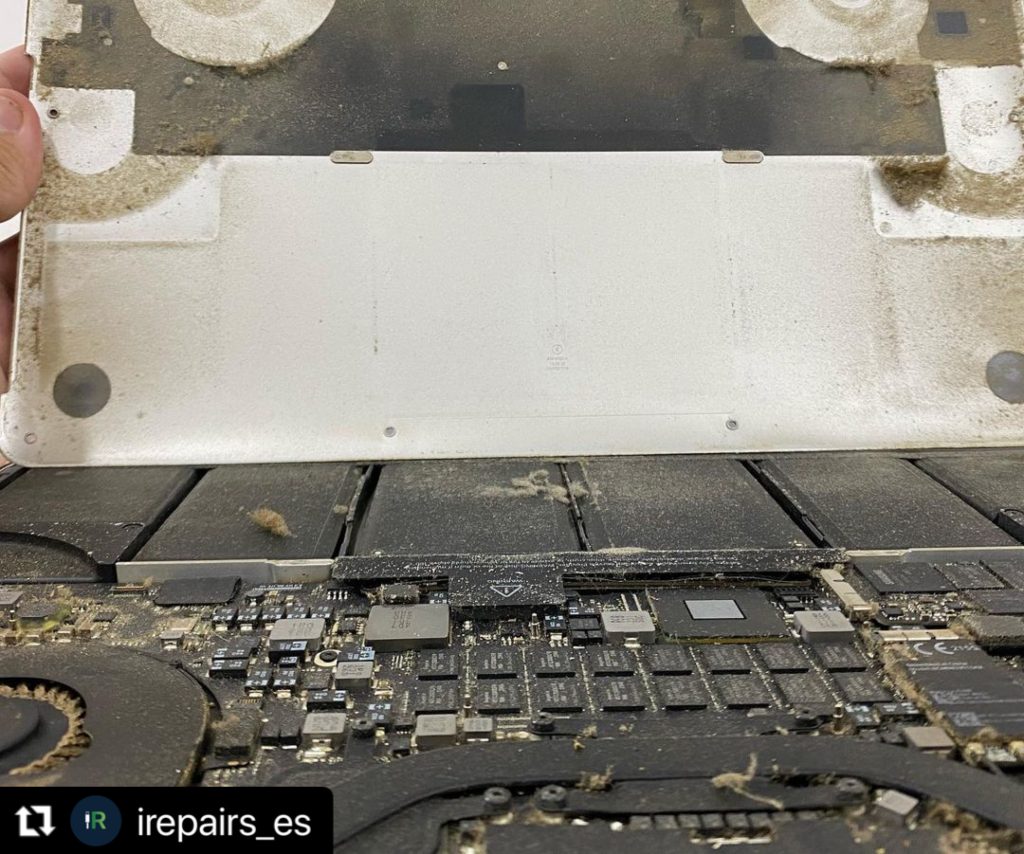
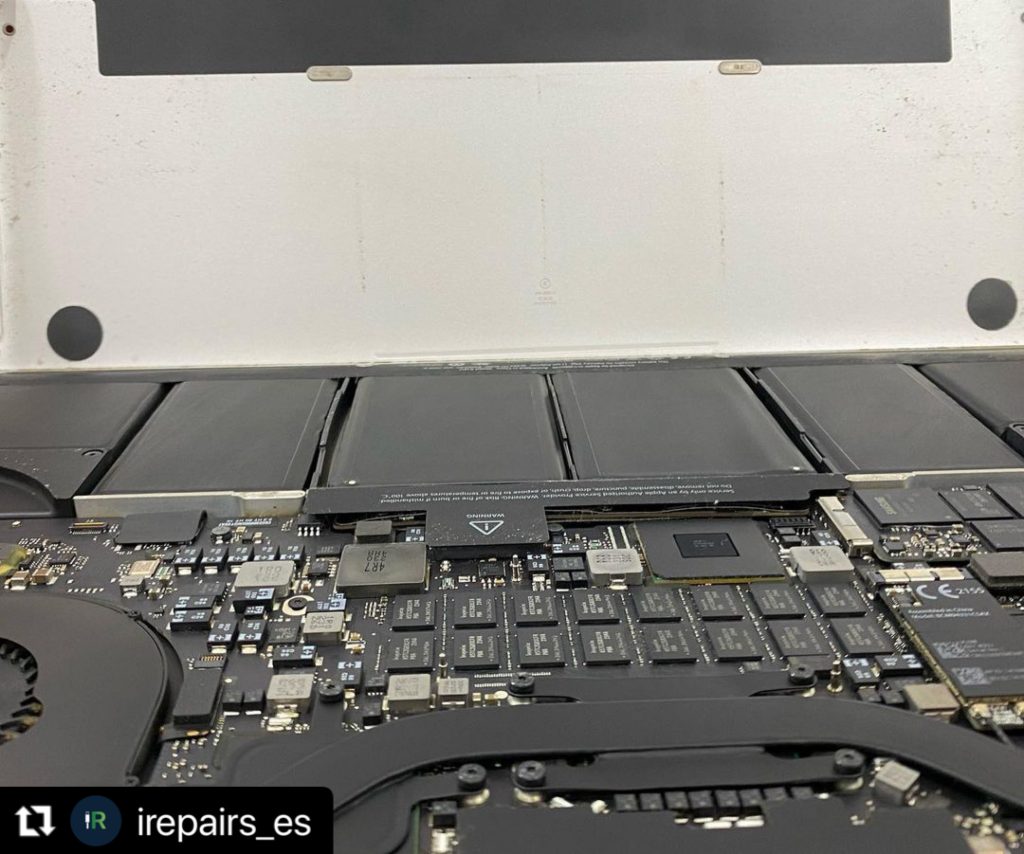
How to maintain your MacBook?
To keep your MacBook clean, you must first remove any contamination from the exterior, using specialised cleaning solutions. This includes removing stickers and fingerprints from the chassis, as well as dirt from the outside of the machine and from the environment. You should also regularly clean the ventilation grilles on the bottom of the device with a dry cloth or a compressed air solution. This prevents dust, debris and other substances from accumulating inside your MacBook over time.
Once you have removed all visible dirt from the device, it is time to start cleaning all the internal components. The keyboard should be cleaned carefully with a soft brush, while all ports should be cleaned with sterile cotton swabs.
Regular maintenance will prevent build-up from occurring in the first place. While Apple makes MacBooks resistant to physical damage with their design, they are still susceptible to dirt through weak internal elements such as wireless chips and dust accumulation inside the power supplies. Regular cleaning keeps both the physical and internal components in check, ensuring the maximum lifespan of Apple's laptop line.


![How to install an Android emulator for Mac [Guide]](https://www.irepairs.es/wp-content/uploads/2023/03/emulador-android-para-mac.jpg)