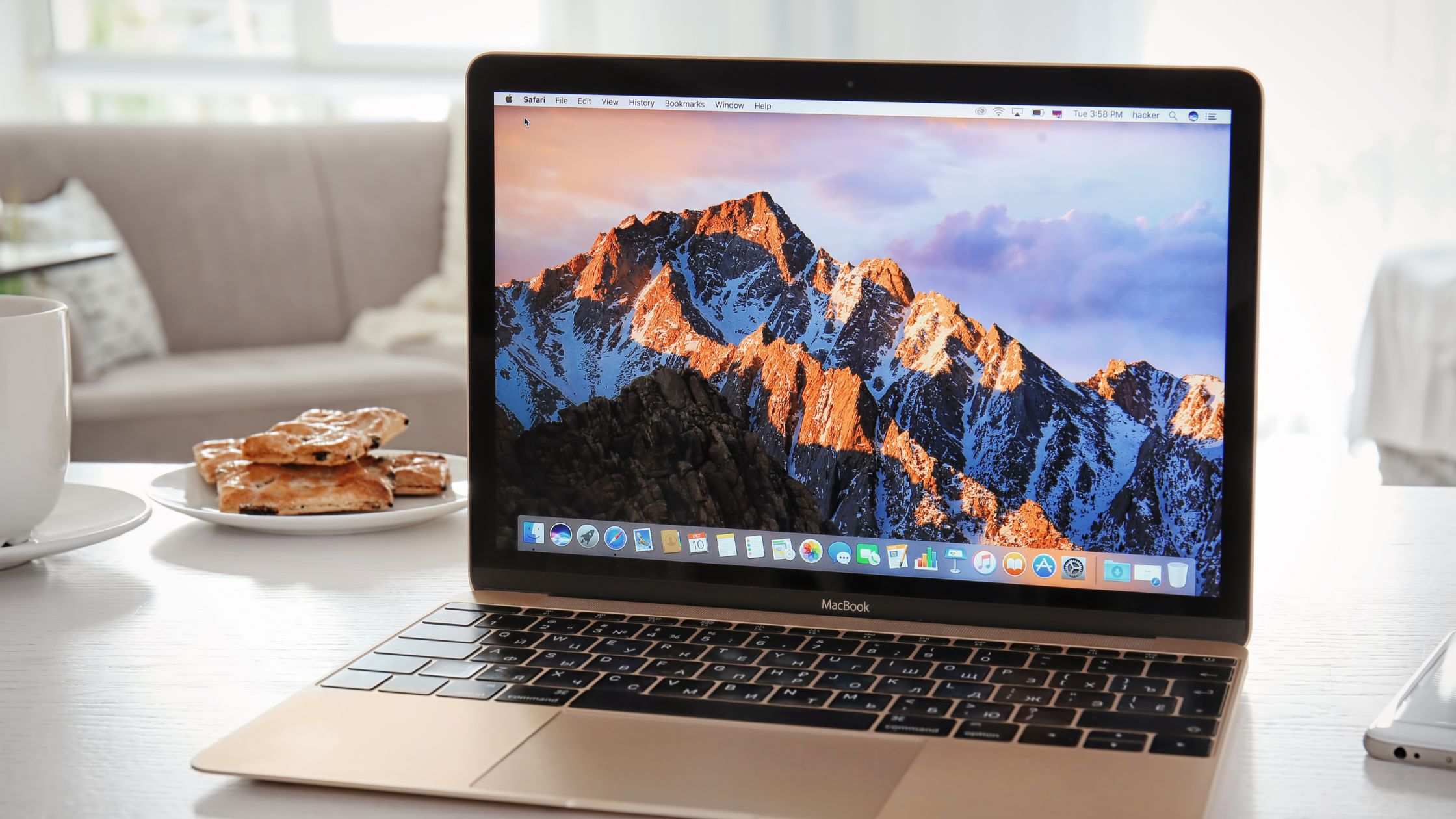
Keeping your Mac in perfect condition: a guide for beginners
Keeping your Mac in perfect condition is an important part of the device's life, as it can help extend its lifespan and ensure it is always running optimal…


Keeping your Mac in perfect condition is an important part of the device's life, as it can help extend its lifespan and ensure it is always running optimally. Carrying out proper Mac maintenance is a fairly simple task, although many users do not usually do it. There are several things you can do to keep your Mac in good condition easily and quickly, and here we present some of the most important steps:
Physical cleaning
Cleaning is a fundamental step to maintain your Mac correctly both inside and out. To do this, you can use a microfiber cloth to clean the screen and a little alcohol for the Mac's chassis.
It is recommended to use alcohol only in case of stains that are difficult to remove on the body of the device and never use it on screens.
In addition, it is advisable to use an air blowing tool to remove dust and dirt accumulated in the fans and connectors.
Periodic checkup
To carry out good Mac maintenance, it is important to perform a series of tests to check its condition. Battery tests, performance tests, screen brightness tests, keyboard operation tests are various checks you can do to verify that your device works correctly from your home.
Software update
It is essential to keep your Mac's software updated to ensure optimal performance and correct possible errors or vulnerabilities in the system. In addition, they can bring new features that can help your Mac's performance and maintenance more effectively.
You can do it through the «Software Update» menu in System Preferences.
Backups
Making periodic backups of all your files and documents is a very important task when it comes to Mac maintenance. This action prevents future accidents and in case your Mac fails, you can easily recover your data without losing information.
You can do it using Time Machine, the backup tool integrated into the macOS system, and an external hard drive to store the backup.
By following these tips you will be able to carry out proper maintenance on your Mac and ensure its good operation in the long term. Remember that regular maintenance is key to guaranteeing the good operation of your Mac in the long term. Don't forget to do it!


![How to install an Android emulator for Mac [Guide]](https://www.irepairs.es/wp-content/uploads/2023/03/emulador-android-para-mac.jpg)