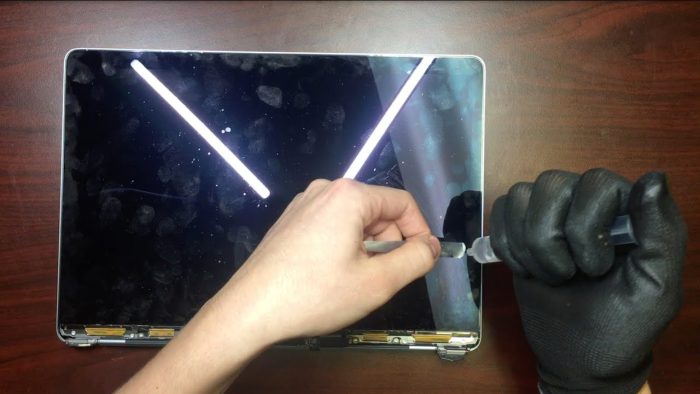
Preventive maintenance guide for Apple devices in business environments
Companies depend on technology for their daily operations. A failure in a MacBook, iPhone or iPad can affect productivity and generate unnecessary costs. I…

Companies depend on technology for their daily operations. A failure in a MacBook, iPhone or iPad can affect productivity and generate unnecessary costs. Implementing a preventive maintenance plan helps reduce risks and optimize the performance of Apple devices in the corporate environment.
Keep the system updated
Apple releases periodic updates to improve the security and stability of its devices. It is important to ensure that all equipment is up to date with the latest version of macOS, iOS or iPadOS.
To check it:
- On Mac: Go to "System Preferences" → "Software Update".
- On iPhone or iPad: Go to "Settings" → "General" → "Software Update".
Perform periodic backups
An unexpected failure can cause the loss of valuable information. Setting up automatic backups avoids setbacks.
Recommended methods:
- Time Machine: for backups on external disks on Mac.
- iCloud: to back up data from iPhone and iPad.
- Enterprise solutions: use of NAS servers or cloud backup software.
Control storage
Full storage space can slow down devices. Reviewing and deleting unnecessary files helps keep a system agile.
Recommended actions:
- Delete old downloads and temporary files.
- Use cloud services for large documents.
- Empty the trash regularly.
Check the battery status
The performance of the battery deteriorates over time. On Mac, you can check its status in "System Information" → "Power". If the status indicates "Service recommended", it's time to consider a replacement.
Good practices:
- Avoid frequent complete discharges.
- Do not keep the device connected at 100% permanently.
- Use original chargers or certified ones.
Check the equipment's temperature
A device that overheats reduces its useful life and can affect performance. Factors such as blocked ventilation or excessive use of resources can generate high temperatures.
Preventive measures:
- Do not block the air vents on MacBooks.
- Avoid using iPads and iPhones under direct sun exposure.
- Use cooling stands if high performance is required.
Control app usage
Background applications can consume unnecessary resources. Reviewing "Activity Monitor" on Mac or the list of open apps on iPhone and iPad helps detect programs that slow down the system.
Recommendations:
- Uninstall applications that are not used.
- Avoid automatic startup of programs at boot.
- Review app permissions on mobile devices.
Implement security measures
Apple devices include tools to protect information. It is essential to enable the security options to prevent unauthorized access.
Recommended actions:
- Use secure passwords and two-step authentication.
- Set up "Find My iPhone" or "Find My Mac".
- Update the security software on corporate equipment.
Clean the devices correctly
Dust and dirt can affect hardware performance. Periodic cleaning prevents buildup in ports and fans.
Proper procedure:
- Use a microfiber cloth for screens.
- Clean keyboards with compressed air.
- Avoid aggressive liquids on electronic components.
Monitor the network and connectivity
Problems with the WiFi or Bluetooth connection can affect productivity. Checking the network configuration and performing speed tests allows you to detect failures.
Recommended actions:
- Restart routers and devices regularly.
- Update network drivers on macOS.
- Delete old connections or unused ones.
Establish a scheduled maintenance plan
Defining a preventive maintenance routine ensures that the devices keep working correctly. Establishing quarterly or biannual reviews with a specialized technical service can prevent serious failures.
Key points to review:
- Battery and storage status.
- Software and security updates.
- General equipment performance.
Preventive maintenance on Apple devices within a company reduces repair costs and improves productivity. Applying good practices such as regular updates, storage control and battery monitoring can prevent long-term problems.
For companies that depend on this equipment, having a specialized technical service such as iRepairs is an investment that ensures optimal performance and a longer useful life for the devices.