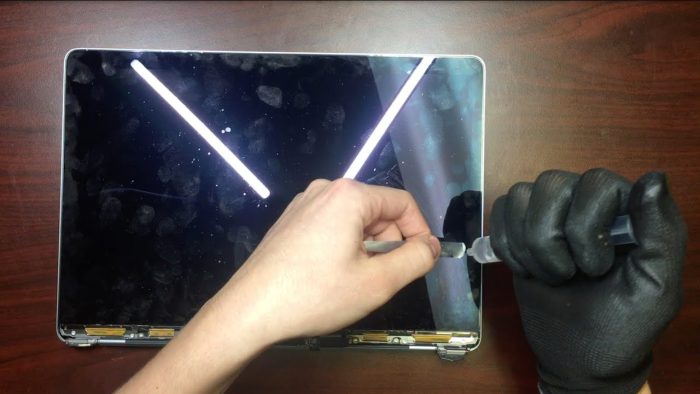
The iMac screen flickers, what's wrong with it?
If you can't solve the problem with what we are going to explain to you, you will need to take it to a professional to repair it. However, it is advisable to follow all these steps so that you can detect since when it happens.
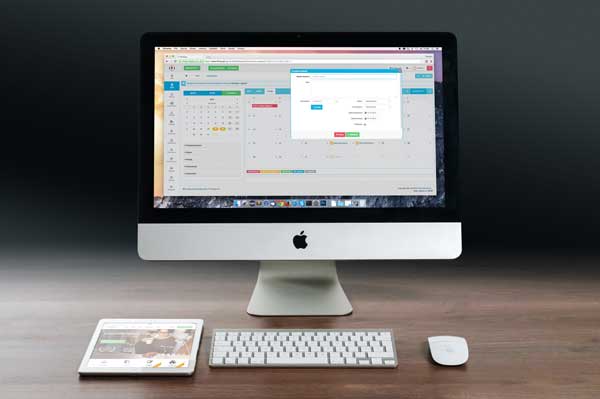
If your iMac starts to flicker while you work, watch a video or perform everyday tasks, it's normal to worry. Although it may be due to an internal failure, many cases are solved with simple steps. At iRepairs we explain why it happens and how you can try to resolve it before going to a technician.

Why does the iMac screen flicker?
Flickering can be due to software failures, graphics incompatibilities, physical damage or electrical problems. Identifying the origin is key to applying the correct solution.
Restart the iMac
As a first step, shut down the iMac and wait two minutes before turning it on. A complete restart can correct temporary errors of the system or the graphics driver. If the flickering returns, continue with the diagnosis.
Update the system software
Recent versions of macOS include stability improvements and updated graphics drivers. The flickering can appear both if you recently updated and if you are on an old version.
To check for updates: Apple Menu > System Settings > General > Software Update. Make a backup before installing any version.
Possible failure in the graphics card (GPU)
If the flickering occurs when playing videos or opening demanding apps, it could be an incompatibility with the GPU or even a failure of the graphics chip, especially on older Intel models.
Try the following:
- Play different videos.
- Connect an external monitor to see if the problem is replicated.
- Try different apps to rule out a one-off failure.
Liquid spill
If you remember any incident with water, coffee or any liquid near the iMac, even a small amount may have reached the internal electronics. Corrosion damage can appear weeks or months later, generating intermittent flickering.
Blow or impact on the screen
A fall or blow may not show immediate damage, but over time lines, flickering or loss of brightness may appear. Even if the screen seems intact, an impact may have affected the internal connectors.
Unstable or incorrect voltage
Using the iMac on an electrical circuit with fluctuations can cause flickering, unexpected shutdowns or sudden changes in brightness. If you suspect an unstable installation, use a stabilizer or a power strip with surge protection.
Automatic graphics switching (Intel iMac)
Some iMacs with integrated and dedicated GPU activate the more powerful graphics when the task requires it. This switch can cause momentary flickering if the drivers do not work correctly.
To rule out this behavior, disable automatic switching from the power options, if your model allows it.
How to repair an iMac screen that flickers
If after reviewing these steps the flickering continues, it is likely that there is an internal problem: GPU failure, damaged connectors, defective backlight or screen in poor condition. In these cases, the best thing is to go to a specialist.
At iRepairs we carry out the iMac screen repair —both Retina and non-Retina— with a prior diagnosis to determine whether it is possible to repair or whether it is necessary to replace the screen with a new one.
Once the problem is detected, we explain the available options so that you can choose the most appropriate one.
We offer 1 year warranty on our repairs, pickup and delivery service throughout Spain and high-quality parts. You just have to contact us and we will take care of making your iMac's screen look like new again.